
Receipting Oldest Unpaid Invoice
How do I auto apply receipts to the oldest unpaid invoice?
When creating a debtor's receipt transaction, select the checkbox Apply to Oldest Invoices. This enables Tourplan to search for the oldest unpaid invoice based on the payment due date and automatically pay it or apply a partial value from the receipt. Tourplan credits the full receipt value to the oldest invoice found, and if there is a residual receipt amount, the system will apply the amount to the next oldest unpaid invoice and so on until it has applied the total sum of the receipt's value.
This article will help you to...
-
Create a receipt to create the oldest unpaid invoice
-
Understand how Tourplan manages varying receipt and invoice totals.
Overview
Tourplan offers several receipting entry methods. This article focuses on one method, the auto applying of receipts to the oldest unpaid invoice.
Create a receipt to credit the oldest unpaid invoice
-
Open
 Financials > Debtors and open the debtor.
- Click the Home menu to expand it:

- Click the Financials menu option to expand it:

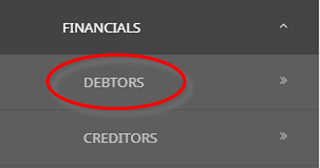
- Click Debtors to go to the Debtors screen:

- Click the Home menu to expand it:
-
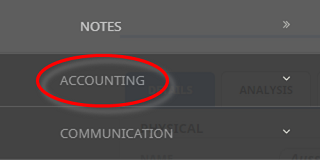
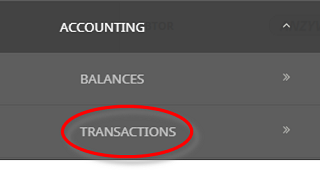
From theDebtor menu, select Accounting > Transactions.
- Click the Debtors hamburger menu to expand it:
- Click Accounting to expand the Debtors Accounting menu:

- Select Transactions to open the Debtors transactions list screen:

- Click the Debtors hamburger menu to expand it:
-
ClickInsert to add a new entry.

-
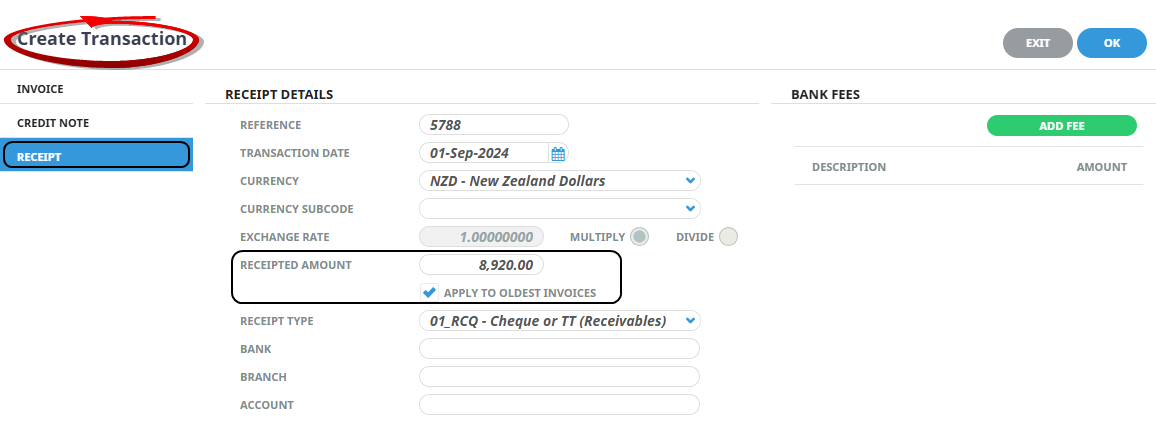
Select the Receipt category on the left to create a receipt transaction.
-
Enter the Receipted Amount.
-
Tick the checkboxApply to Oldest Invoices to enable the auto apply functionality.
-
Click OK.
-
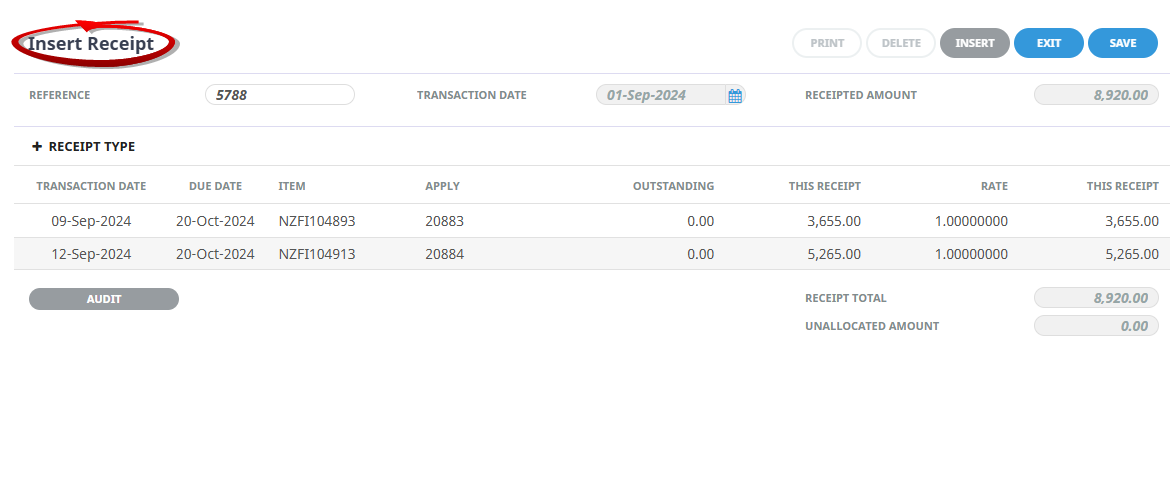
Tourplan will search for and display the oldestunpaid invoices (by payment due date).
-
To process the receipt against the found invoice lines, click Save.
-
Tourplan will prompt you to generate a Debtors Receipt document. To output the document, use the dropdown to select the default format and click OK.



Tourplan manages varying receipt and invoice totals
When a receipt is less than the invoice amount, the system auto applies the total receipt value with the result being a partially paid invoice. Using the example above, if the payment of $6,000 was received, the system will apply it against invoice 20883 for the full amount of $5,265 and the remaining $735.00 will be applied to the next invoice leaving an outstanding amount of $2,920 on invoice 20884.