
The Tourplan NX system allows transactions to be deleted. There are some rules which accompany this functionality:
- Transactions in closed accounting periods cannot be deleted. This means that only transactions in the current or future accounting periods can be deleted.
- Subsidiary transactions must be deleted before source transactions. This means that an invoice that already has receipts or credits applied to it cannot be deleted. If the invoice must be deleted, then the credit(s) and receipt(s) applying to it must be deleted first.
Delete Creditor Transaction
- Make sure the required creditor / supplier is displayed (see Create a New Creditor or Retrieve an Existing Creditor).
-
From the Creditors menu, select
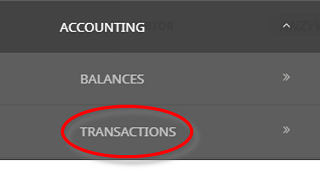
 Accounting > Transactions.
- Click the Creditors hamburger menu to expand it:

- Click Accounting to expand the Creditors Accounting menu:

- Select Transactions to open the Creditors transactions list screen:

For example, the transactions list screen for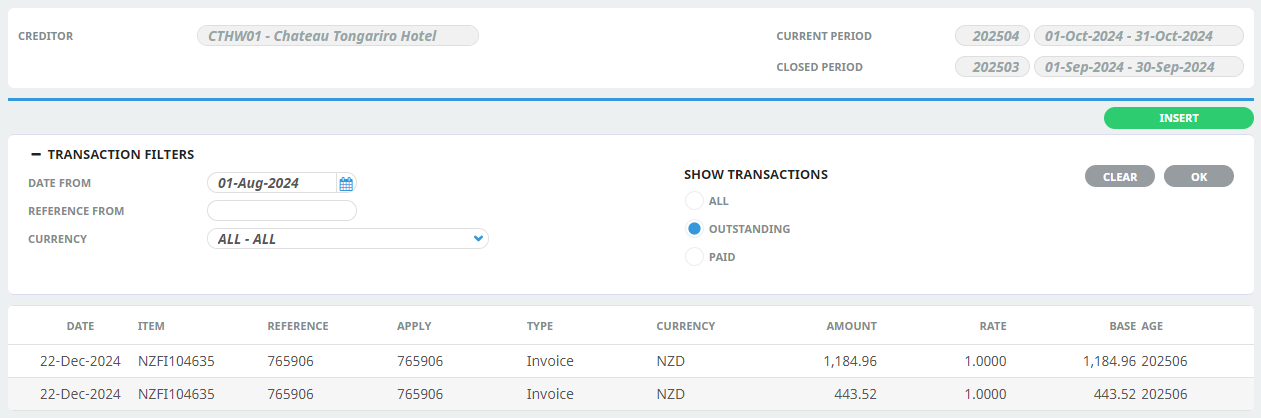
- Click the Creditors hamburger menu to expand it:
- On the Creditors transactions list screen, click the transaction to delete.
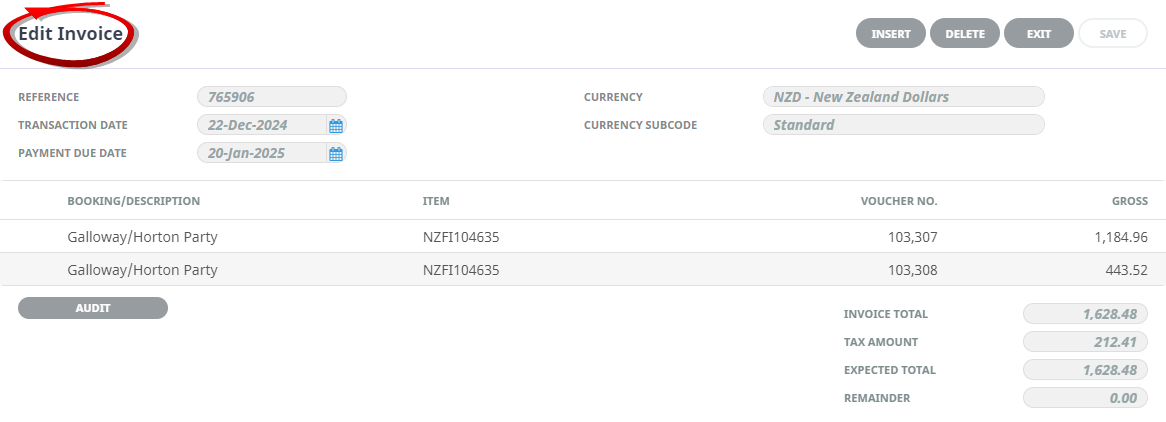
NOTE: The layout of the next screen displayed depends on the type of transaction clicked, however, all types include a Delete button.
-
Using an Invoice transaction as an example, on theEdit Invoice screen, click Delete.
-
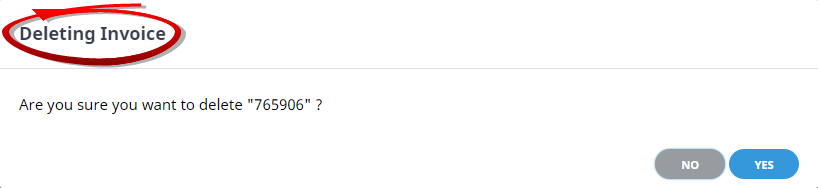
On theDeleting Invoice dialogue, click Yes.
- The transaction line is removed from the transaction list.

NOTE: Confirmation of the delete action is required for all transaction types.