
Booking Change History Explained
What is the booking change history?
When this feature is enabled, Tourplan provides a record of changes made to a bookings values. These changes are saved in a list that users can view from the booking.
You can access the Change History from menu from:
-
FITS > Operations and Accounts, or
-
Groups > Operations and Accounts
This article will explain:
-
How booking change history works
-
How to enable the booking change history
Overview
When a new booking is crated in Tourplan NX, it creates a booking structure within the database. These structures can vary in complexity because they are made up of various elements such as locations, services, tours, pricing, and so on.
With change history enabled, booking amendments that may have an impact on the booking costs are re-recorded and categorised, providing a direct caparison between the previous old and new booking detail records.
The booking change history displays a summary of recorded changes, allowing users to view when the change was made, who made the change, the booking or service status, the agent details, cost/sell/retail/agent values, and the action that was undertaken.

Each summary line record expands allowing users to view a change overview.
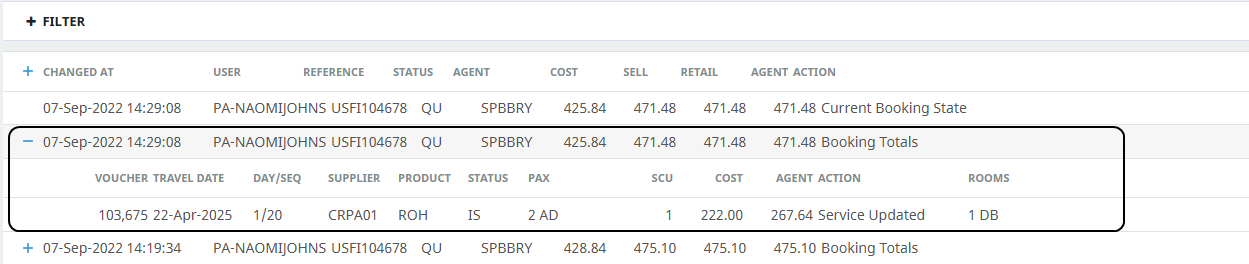
Selecting the overview line provides direct comparisons i.e. the new values vs. the old values.
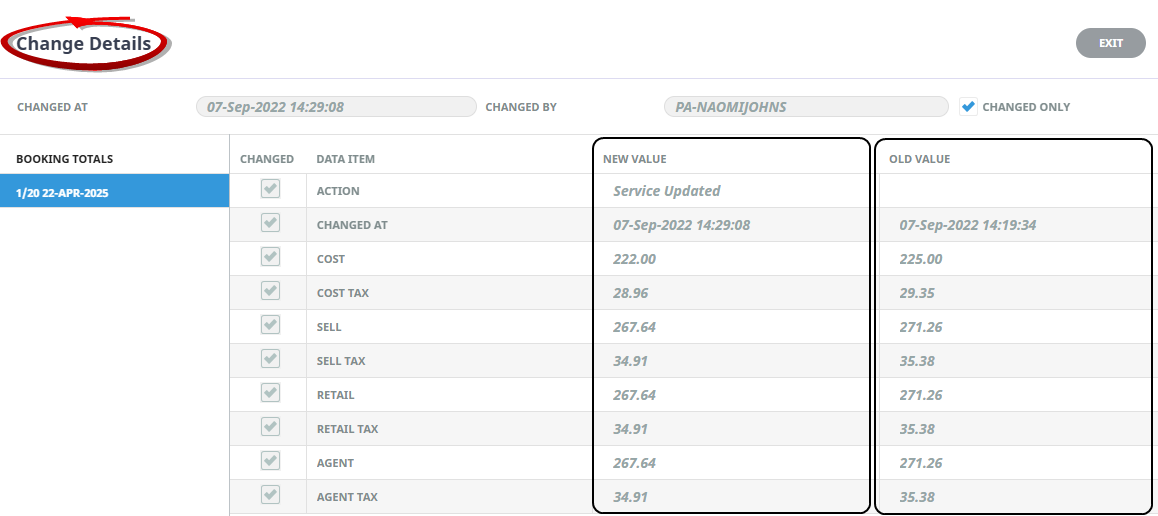
Enable Booking Change History
To view the (Bookings) Change History menu two features will need to be enabled:
-
The BOOKING_AUDITING system wide INI Setting to turn the feature on
-
Appropriate security levels provided to users or groups of users to View Change History within the FITs and or Groups security settings.
Enable System Setting
Select the BOOKING_AUDITING Setting Name, click Yes to apply to All Users.
-
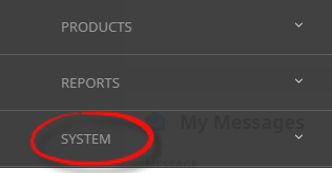
From the Home menu, select
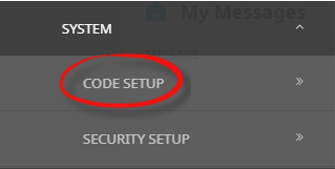
 Home > System > Code Setup.
- Click the Home menu to expand it:

- Click the System menu option to expand it:

- Click Code Setup to go to the Code Setup menu:

- Click the Home menu to expand it:
-
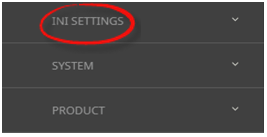
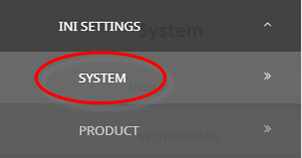
From the Code Setup menu, selectINI Settings > System.
- Click the Code Setup menu to expand it:

- Click INI Settings to expand the INI Settings menu:

- Click System to open the System INI Settings screen:

- Click the Code Setup menu to expand it:
-
On theSystem screen, if the INI Setting that you want is not already in the list, click Insert.

-
In theSystem screen, select a Setting Name and User ID.
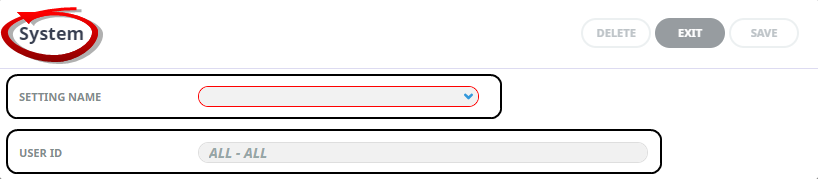
-
ClickSave to keep the changes.

-
ClickExit to discard any changes.



Provide Access to Users and/or User Groups
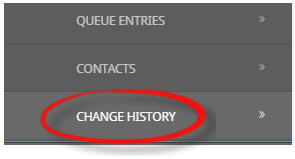
Access is granted to users or groups of users via security settings within the System > Security Setup menu. Once (FITs and or Groups). View Change History System Function is enabled, all users provided with access will see Change History as a booking menu item under Operations and Accounts (when a booking is viewed).
NOTE: Security setting amendments can only be made by users with sufficient system permissions within Tourplan NX. Configuration should be done in consultation with a Tourplan system administrator.