Manage Tickets
Understanding ticket management
Managing your tickets is easy.
Access#
Access your tickets from help.tourplan.com home page, and select the myTickets Tile. Or follow the link direct to the ticket, in the notification email you received when it was created.
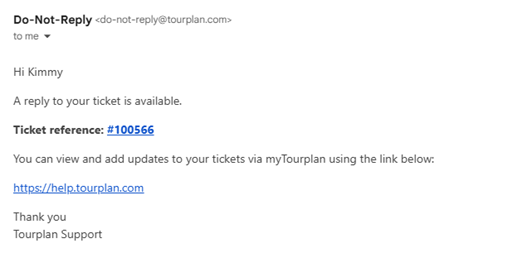
When an update is made to your ticket, you will receive a Do-Not-Reply email notification to check myTourplan. The notification provides easy access directly to the ticket or to the myTourplan home page.
Display & Filter#
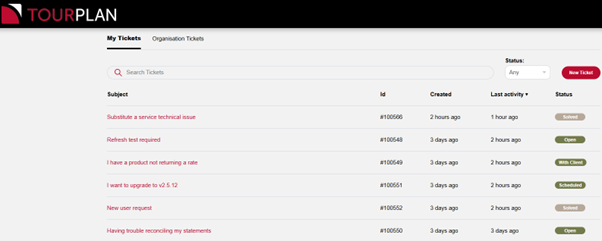
My Tickets is a list of tickets you have created and can edit yourself. You can filter tickets by status open, in progress or solved.
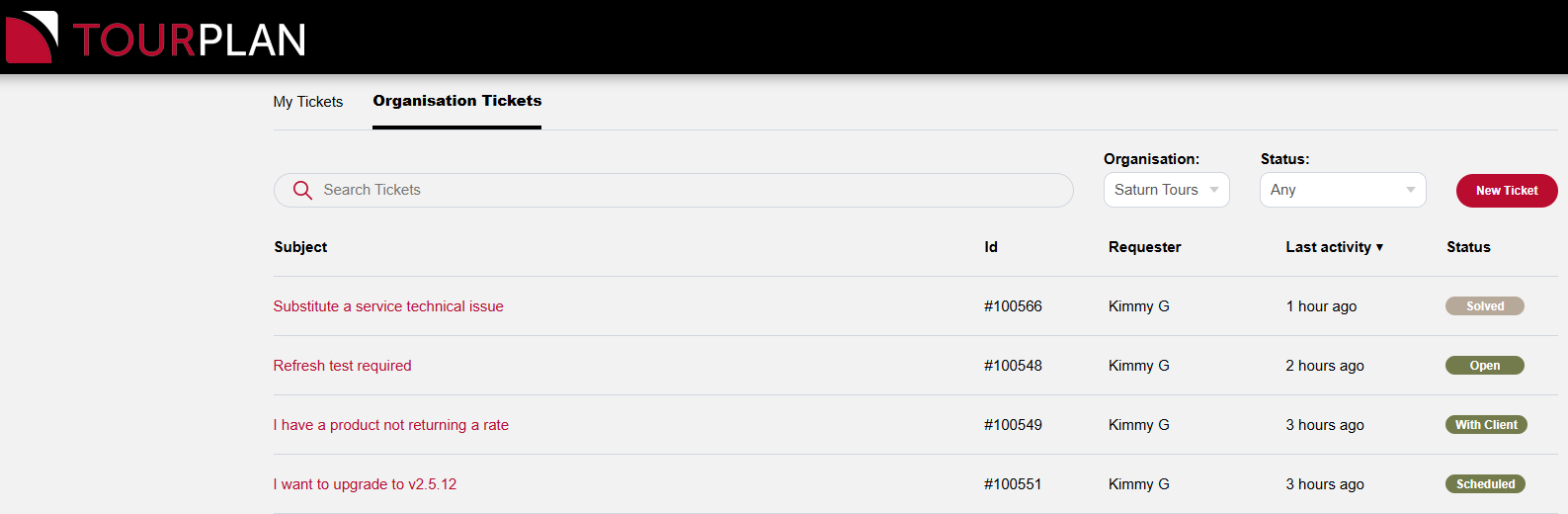
Organisations Tickets allows you to manage your own tickets, and view all tickets from your organisation.
Action#
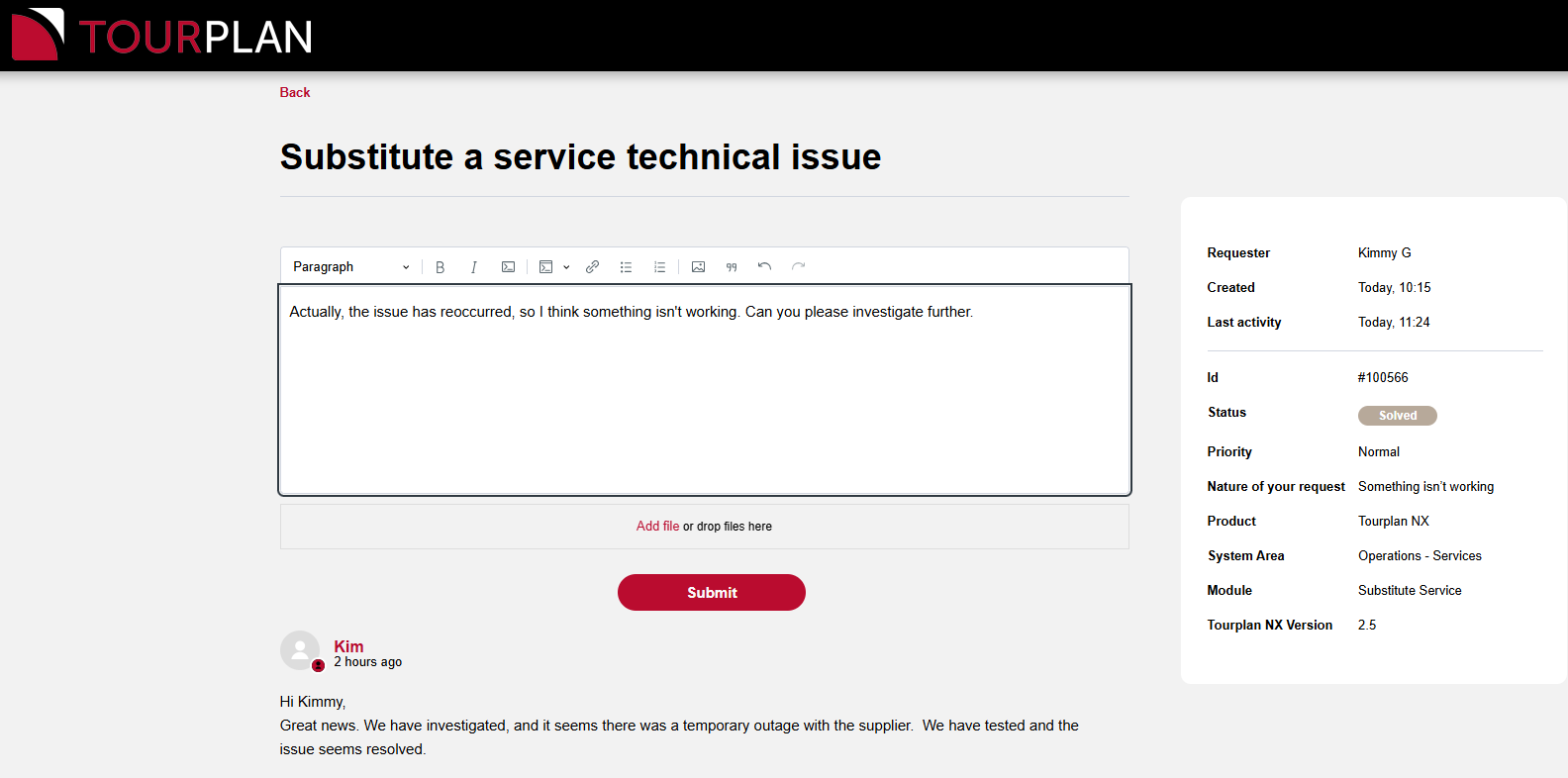
You can choose to mark a ticket as solved at any time.
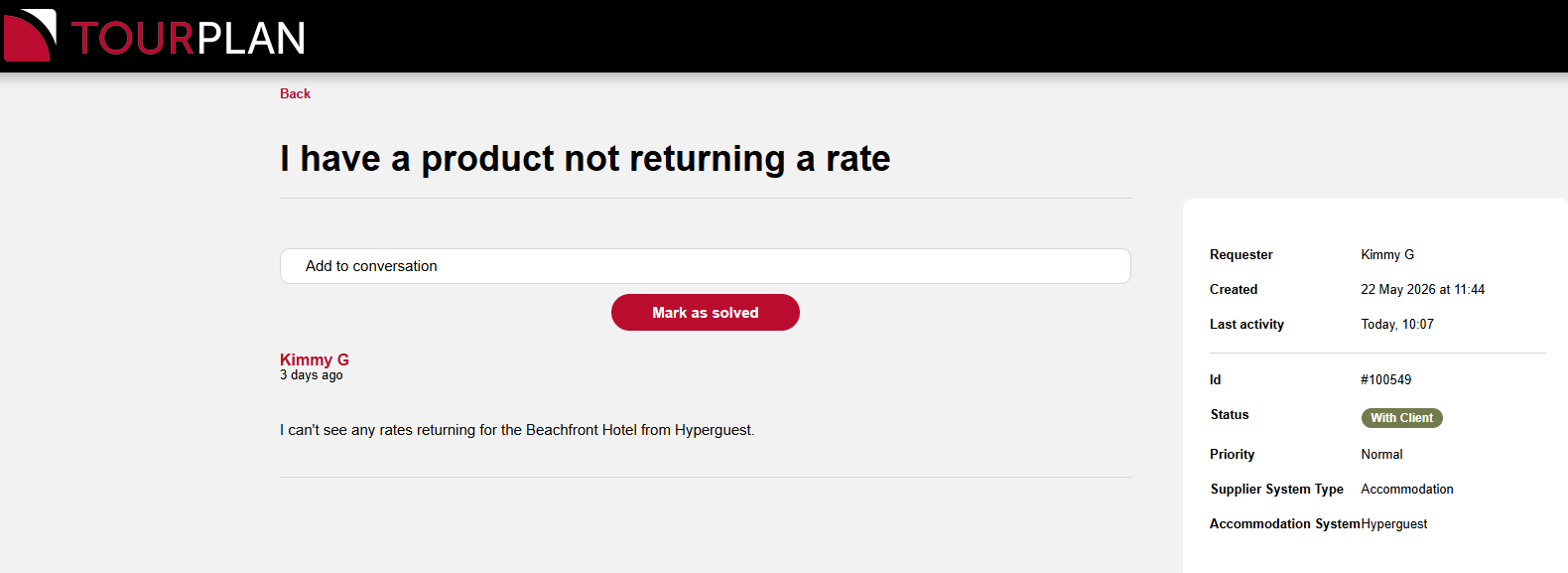
You can re-open a solved ticket by clicking on it, adding to the conversation, and resubmitting it. This will change the status back to open.